
Learning note · About 6 min read · 2026.11.02
What students open Claude for
Search for Claude for students, or for a Claude student setup, and you mostly find one thing: a cloud conversation used for learning. Claude is good at staying with an explanation. A long reading, a proof, a code path you are not yet willing to change: it can remain on that material and ask for the next step, rather than only handing over a finished result. For one evening of a course, that is real help.
Claude for education, in ordinary speech, usually means that same cloud chat made available for a course or a campus. This note does not inventory school admin screens, and it does not pretend to know which switches each campus has turned on. The fair part stops here: as one guided question-and-answer sitting, Claude is a capable tutor.
The reader here is a university student, a self-taught learner, or an adult studying while they ship. HaroCue is not a K-12 homework tutor, and this comparison is not one either. If you want classwork submitted for you, this is the wrong product.
Where a cloud tutor forgets last week
The hard part of a course is not the first evening. It is whether Thursday still has Tuesday’s conclusion without another briefing. A new Claude chat, a different computer, or the same problem carried into ChatGPT or Cursor sees the words you paste this time. It does not see the explanation you already checked and were willing to treat as mastered, unless that explanation lives on your side.
The thread is linear. A useful branch and a detour are written into the same transcript. You are still the one leading. Claude follows the last thing you asked. It will not reliably bring you back to the question the week was actually about: why this lab failed, what the paper’s claim really is, which check rejects the token. The feeling of having gone deep remains. The place of the main question may not.
Last week’s chat may still sit in the account. That is a record of having discussed it. It is not a record that you can say the idea in your own words, with a source you can still open. Next week’s assignment, and the next code review, will ask for the second kind.
Deep learning here means drill, then return
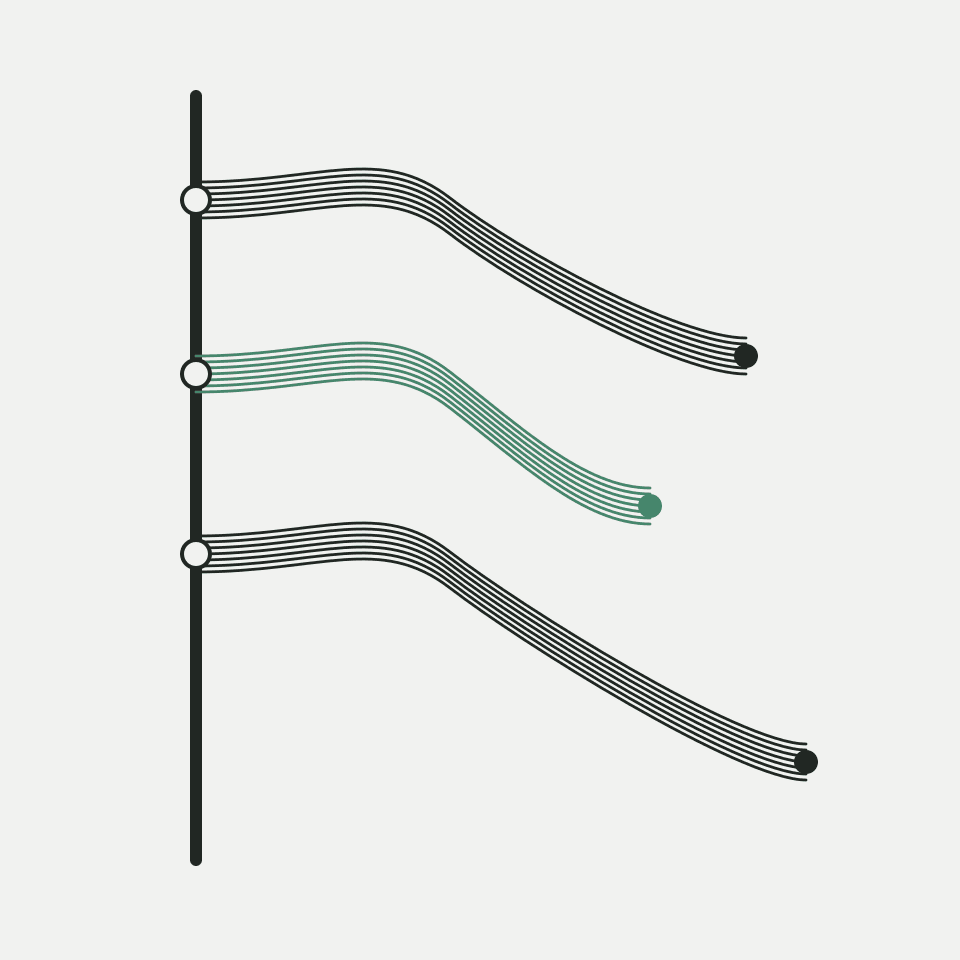
Deep learning in this piece means deepening your understanding while you learn. It does not mean a machine-learning course. The move is narrow. Hold one anchor question. Drill one branch until the confusion has a name. Return to the anchor with a short explanation you can check later. Leave the branch attached to the main question, so the detour is evidence instead of a lost scroll position.
That shape is the Learning Tree. It is not a skill chart you are supposed to fill, and it is not a second set of flashcards. HaroCue does not schedule reviews for you. It keeps a branched study session as evidence you can open again.
What stays on the Mac
HaroCue is a local-first personal desktop assistant. Memory is stored primarily on the machine. Recent desktop behavior is in local trial on Apple Silicon macOS. What a public package includes is stated on the download page. Current boundaries are stated on the product overview. This article does not add a feature past those pages.
You can get a course concept clear inside Claude, then keep the understanding in your own words as a memory, with a source. It counts as mastered only when you confirm it. Until then, an automatically extracted observation stays labelled as an assistant inference. You can inspect the source, correct the entry, or forget it. Ordinary Cue uses explicitly confirmed memory facts. An inference that shows up in an answer still needs a look.
Local is a boundary. If a cloud model is enabled, relevant text can still be sent when you ask, or when Cue runs on a pause. Optional OCR keeps the screenshot on device; recognized text may still enter a model request. A local model such as Ollama is supported. When you explicitly ask Cursor, Codex, or Claude Code to read HaroCue through MCP, they can take relevant local context. Installation does not hand over the whole memory.
What each one is for
| Compared | Claude for students | HaroCue Learning Tree |
|---|---|---|
| One sitting | Talk through a reading, a proof, or a code path | Tie the branch you drilled back to the original question |
| Where the record lives | In that product’s cloud account | Local memory on your Mac, where the product supports it |
| What mastered means | The chat felt finished | You confirm it, and the evidence can be opened again |
| Next week | Reopen the chat, or explain it again in another tool | Read the sentence you confirmed, then decide whether to drill further |
Claude is not the worse explainer. For understanding that has to last the week and survive a change of tool, a cloud thread is a thin archive.
Who should use which
Use Claude when one sitting needs the material questioned through. A paper, a concept you cannot yet name, a lab you can hold for an hour: guided answers are enough. You can leave with a clearer explanation.
Use HaroCue when the learning has to survive a change of device, a change of week, and a move into the editor. The anchor is still there. The branch comes back with evidence. Mastered is a decision you confirm, not a feeling at the end of a chat. How Study Mode compares with that return, and why GPT for students keeps asking you to re-explain yourself, are the notes beside this one. The shape of the Learning Tree itself is the note for coders.
Keep the drill on the machine
The product overview states what HaroCue does today. The download page states Mac availability. The questioning can stay in Claude. The sentence you confirmed stays on the machine you work on.
ChatGPT Study Mode vs local deep learning
GPT for students without re-explaining yourself